

Weather & air quality
Adapte
Stay ahead of dangerous weather and air quality hazards with focused, privacy-respecting alerts instead of noise.



Buying us a coffee helps offset the costs of developing and maintaining this app. No part of this app requires any payment to access or use.
Weather & air quality details
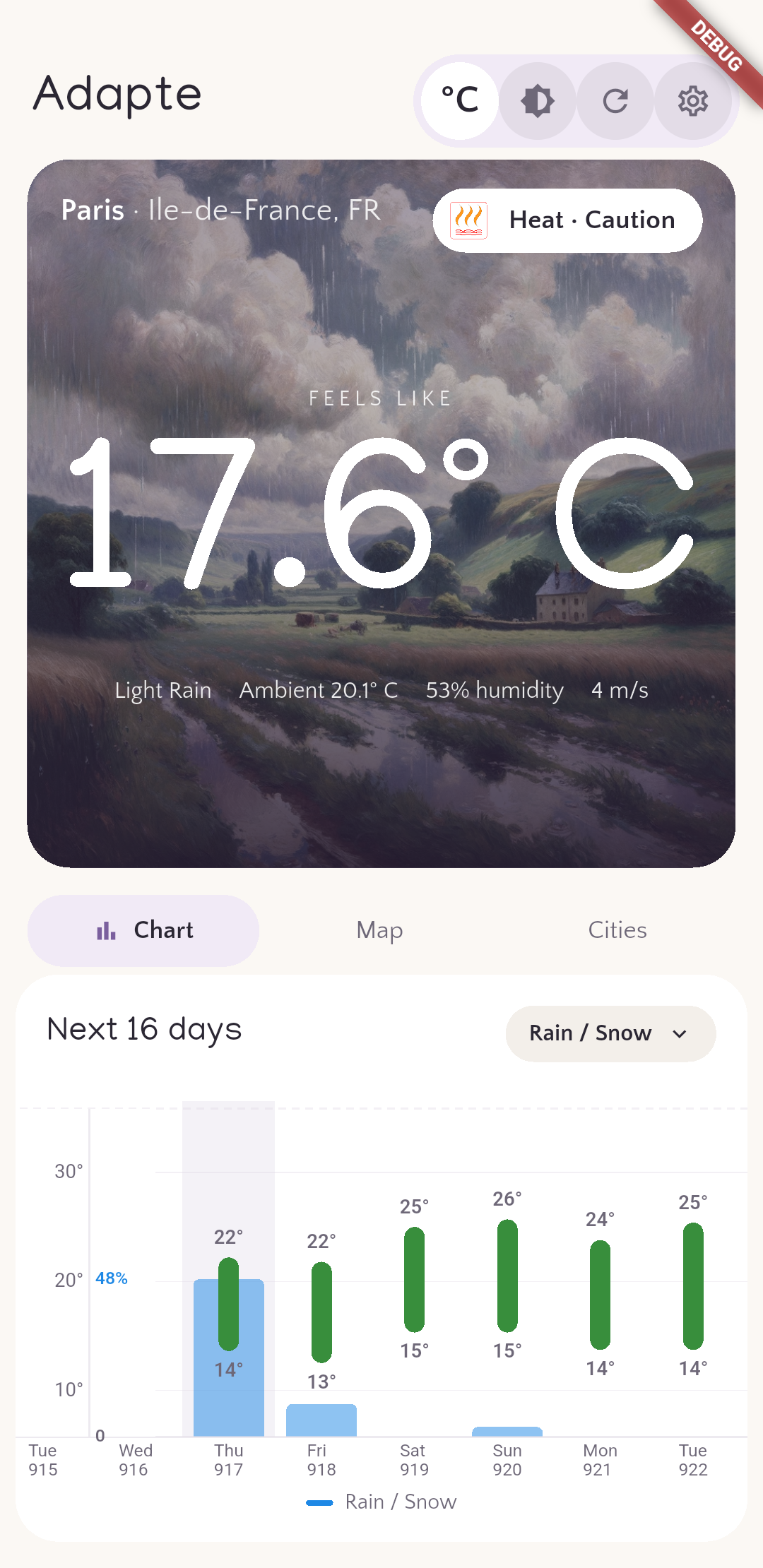
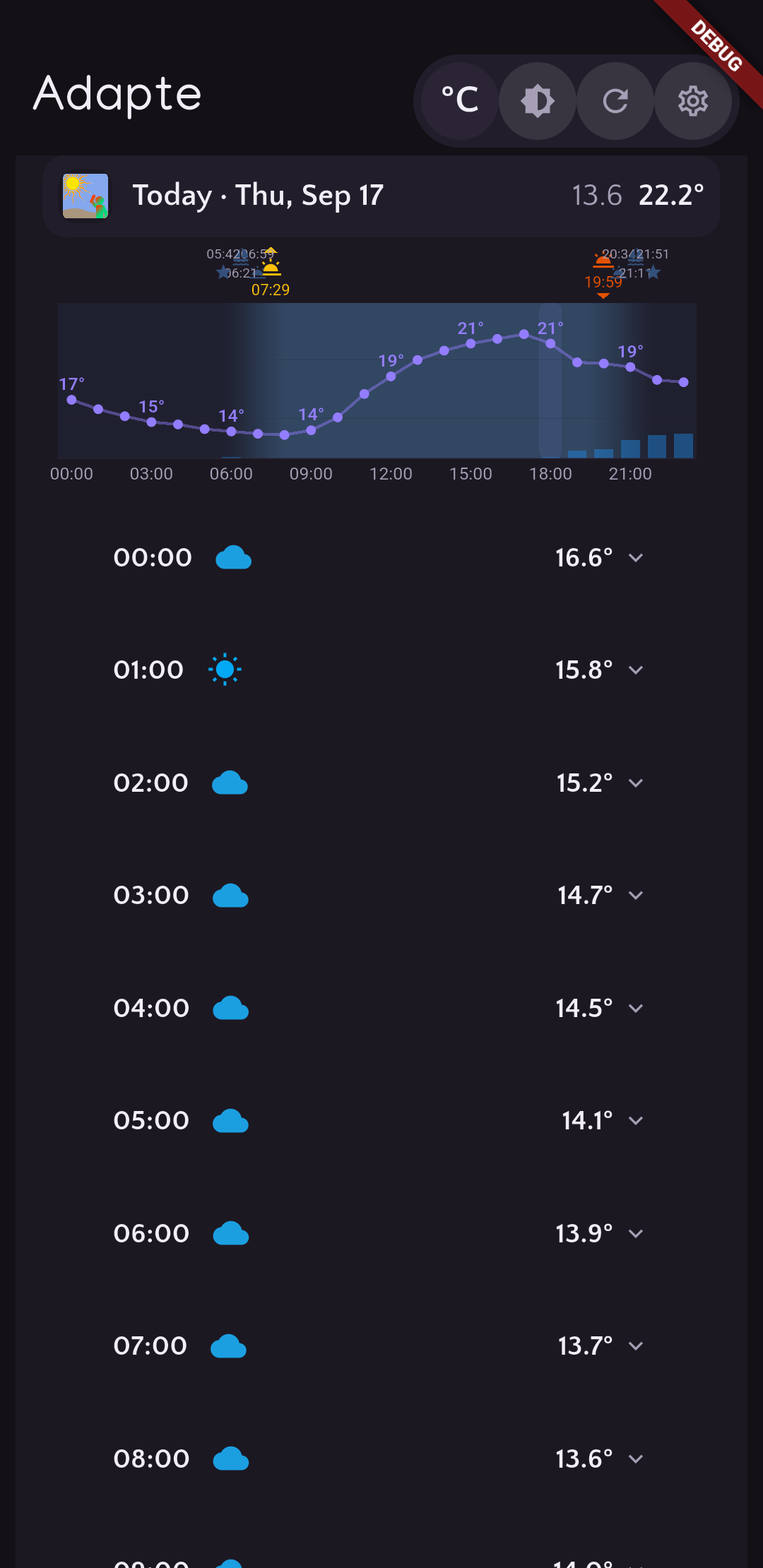
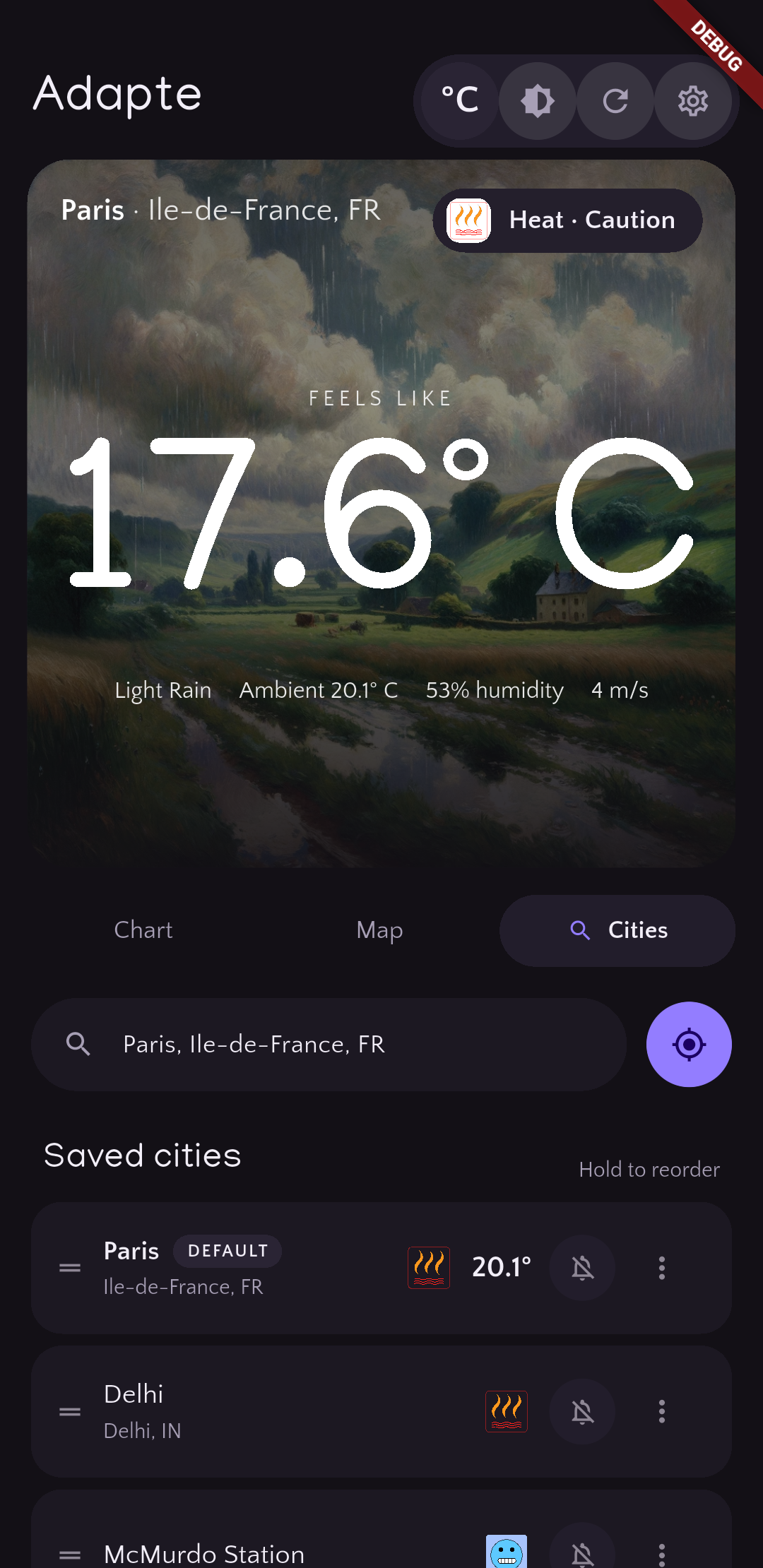
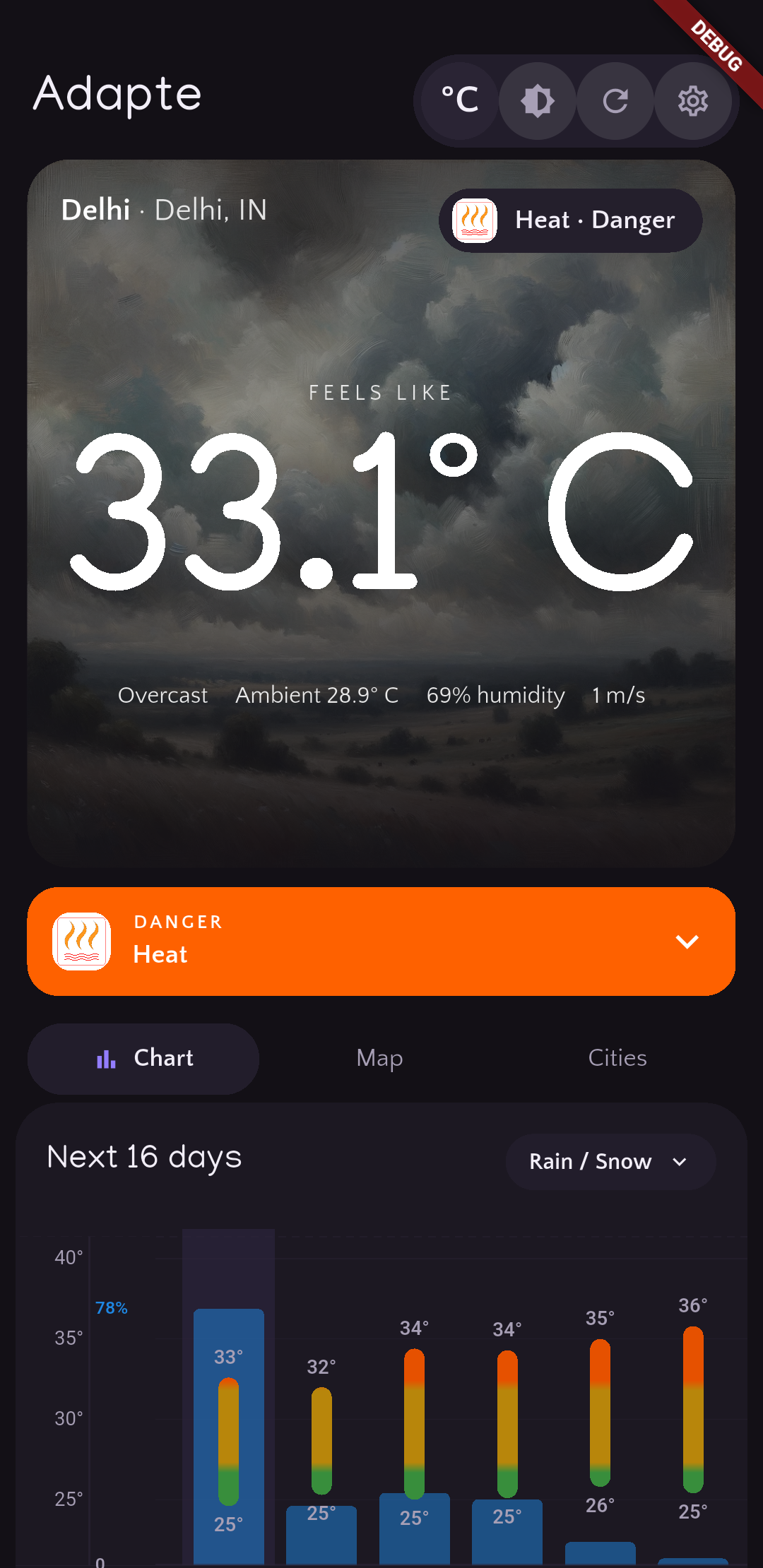
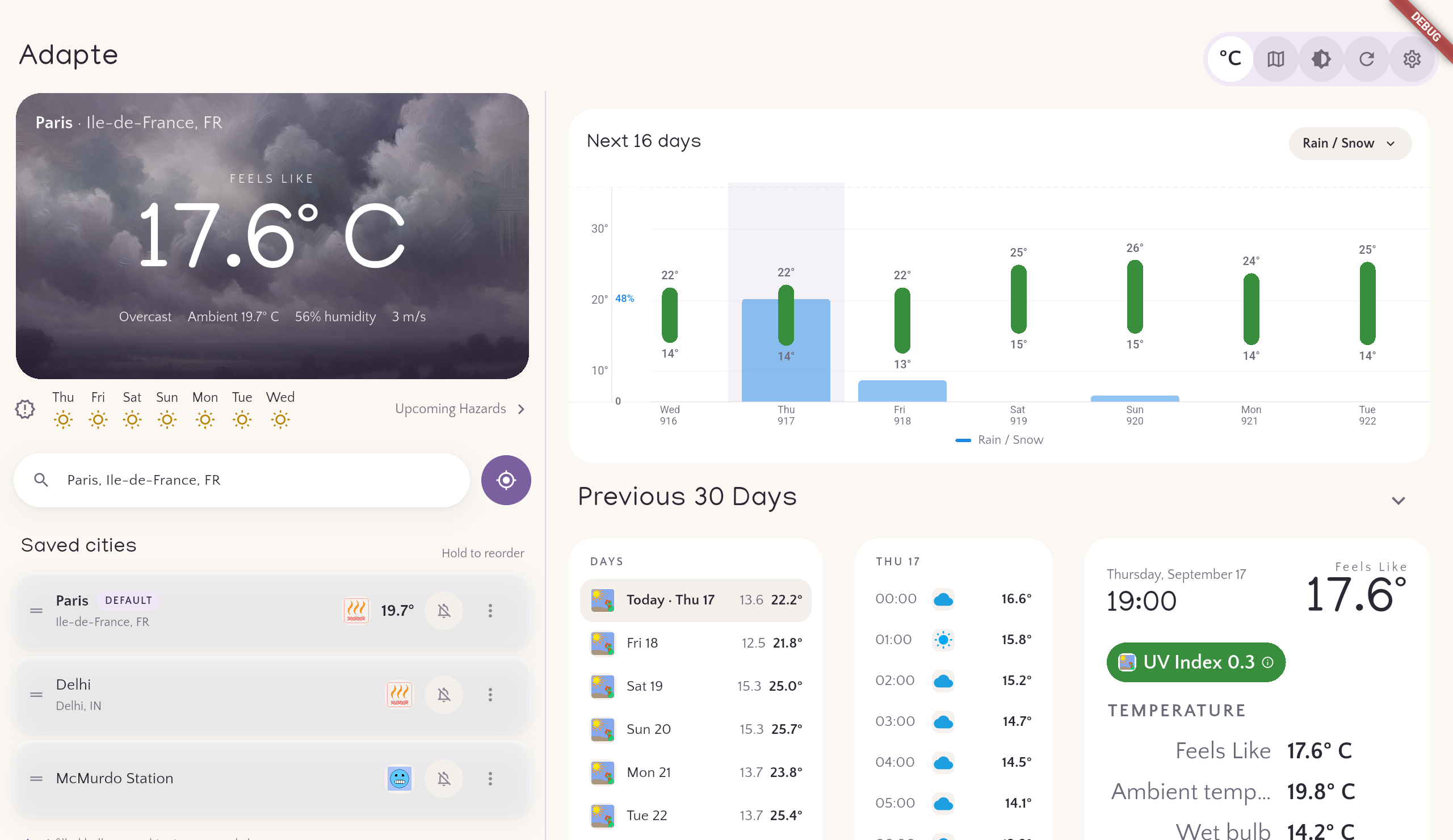
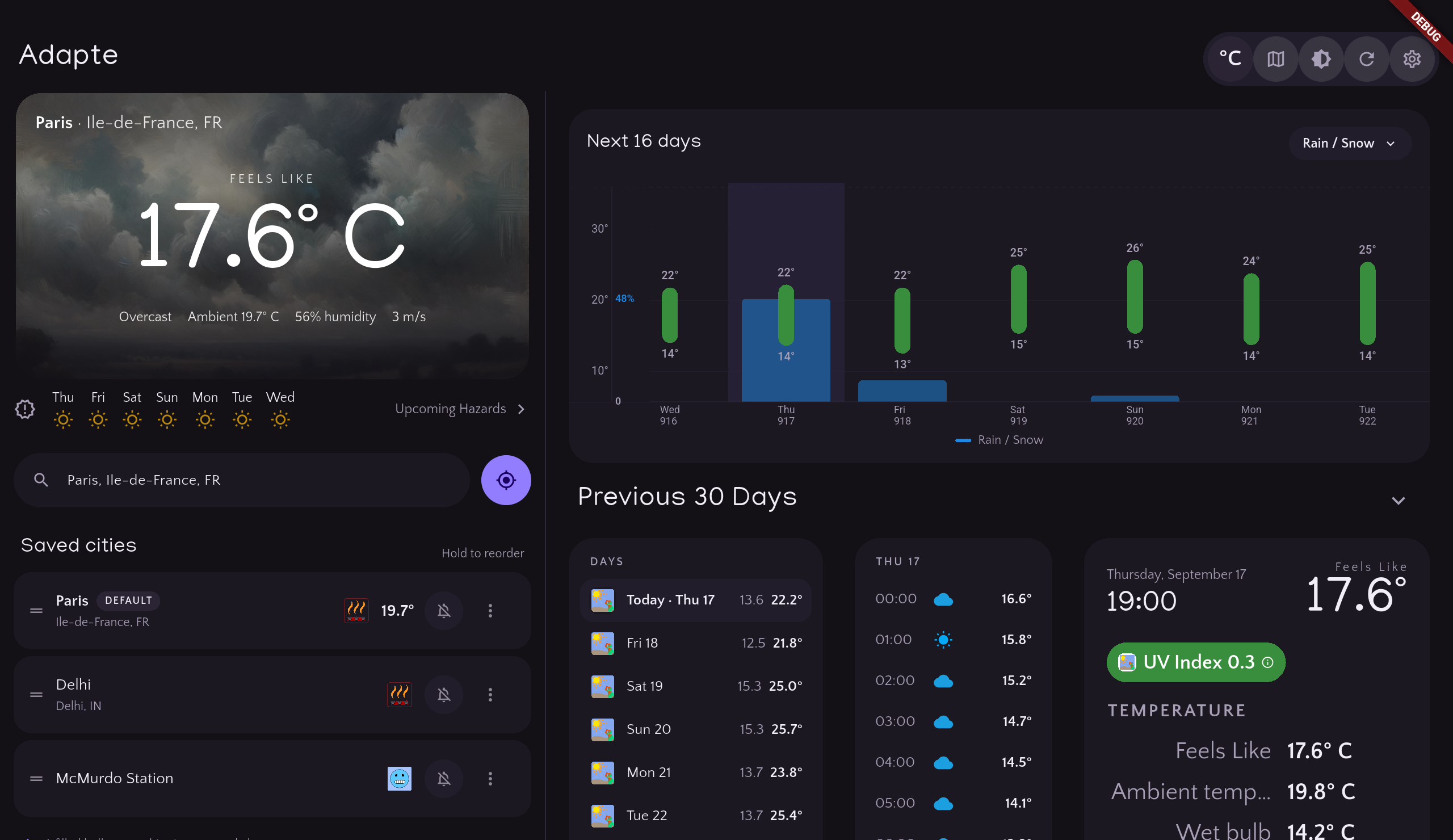
Adapte shows current ambient temperature, feels-like temperature, humidity, wind chill, wind speed, UV index, and storm risk (CAPE - Convective Available Potential Energy), alongside descriptive conditions like overcast clouds or clear sky. Feels-like temperatures use Australian meteorological standards that factor in temperature, humidity, wind speed, and UV exposure. For planning ahead, you can see a 16-day forecast and per-hour breakdowns.
Air quality forecasts cover up to 7 days across 27 tracked pollutants and pollen types, grouped into Particles, Pollutants, and Allergens, so you can see not only whether the air is "good" or "poor" but which specific factors are driving the risk.
Hazard warnings & guidance
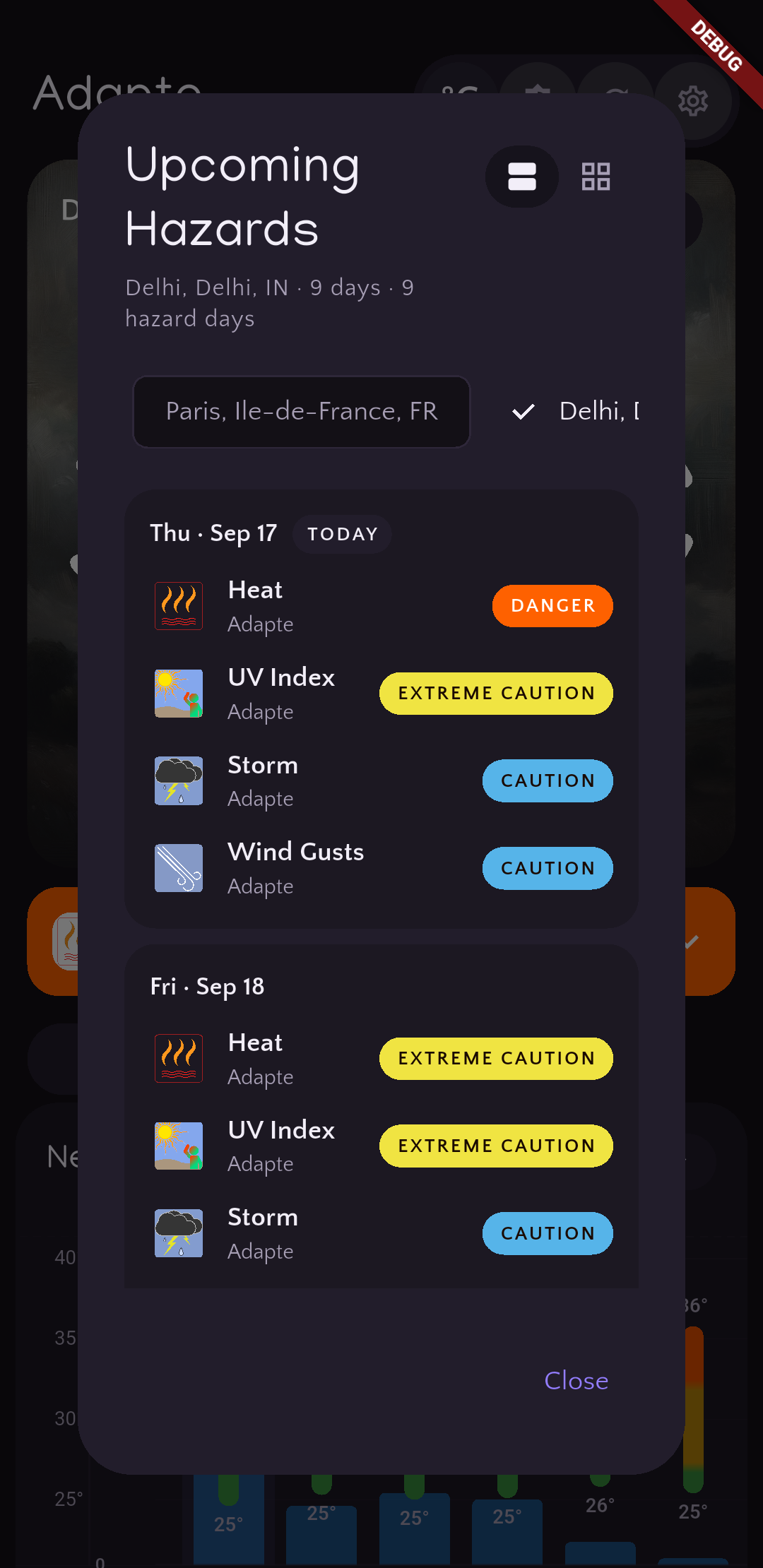
When conditions turn risky, Adapte highlights the most serious hazard for each time period in plain language, such as extreme cold or unhealthy air quality. For cold, the app can estimate time to frostbite and remind you about protective clothing and exposure limits, helping you translate numbers into concrete actions.
Interactive maps
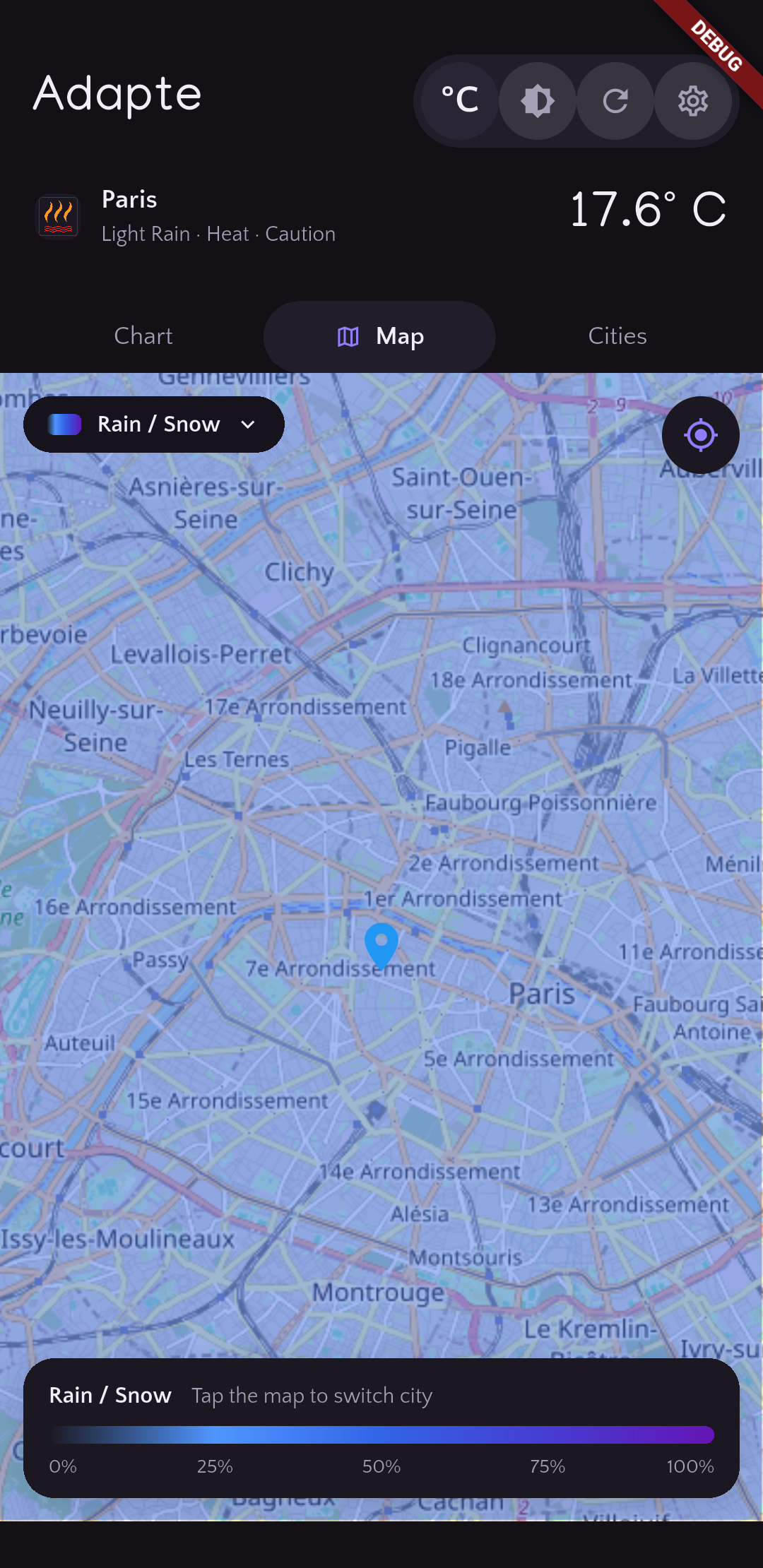
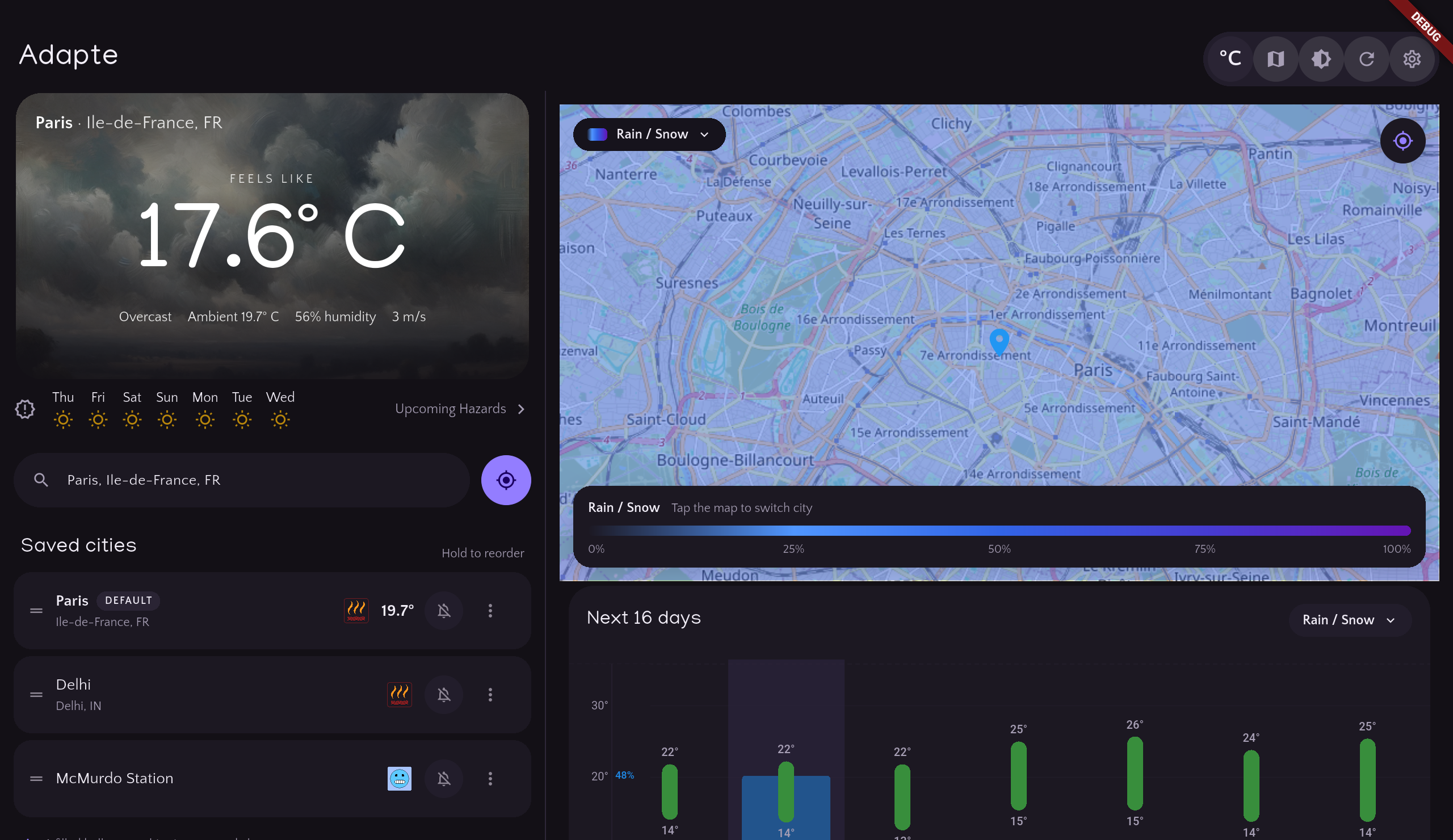
The built-in map view lets you explore overlays for temperature, rain and snow, cloud cover, barometric pressure, and wind patterns. Tap any point on the map to quickly switch to that city's forecast. This gives you a wider-area picture, not just a single point forecast, so you can see how storms and pressure systems are moving around your location.
Cities, locations, and alerts
Search for cities worldwide or optionally let the app use your device's location to suggest nearby places. You can save multiple cities, flip between them quickly, and choose exactly which ones send you alerts. Set your own alert hours, days of the week, and minimum severity so notifications reach you only when and how you want them.
Units, formats, and accessibility
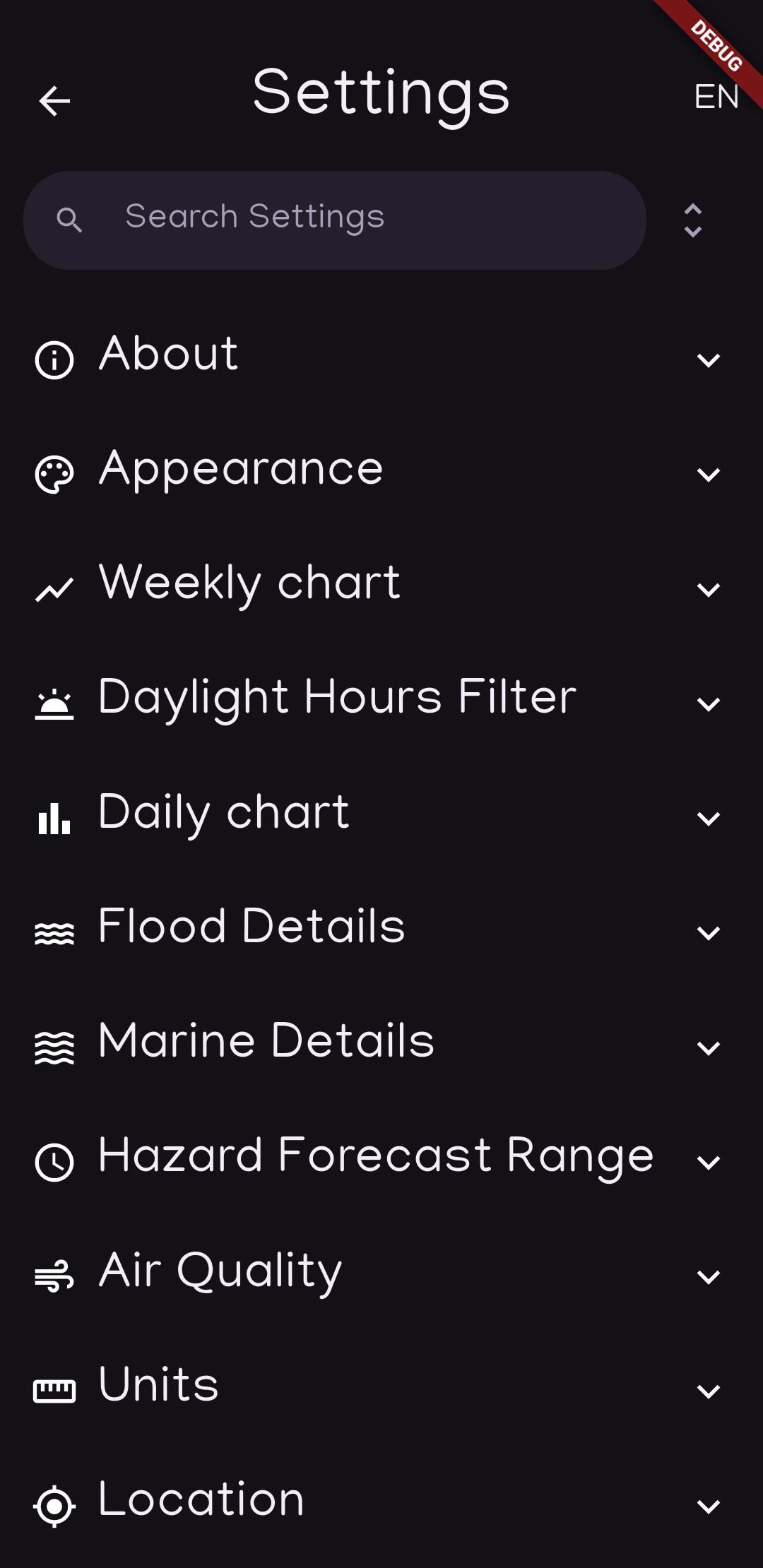
You can switch between Celsius and Fahrenheit, choose wind speed in m/s, km/h, mph, or knots, and show pollutants in micrograms per cubic meter (µg/m³) or parts per million (ppm). Date and time formats are configurable, and text sizing plus theme choices make it easier to use the app in a range of lighting conditions.
Offline mode
Even without internet you can still enter your own data to calculate important hazard details, and record those into Adapte history tracking if you like.
Past weather & trends
Turn on local weather history to let Adapte build a record for your cities — daily highs and lows, or full hourly detail, stored entirely on your device. Adapte automatically detects unusual and long-term patterns in temperature, humidity, pressure, wind, UV, and air quality. You can also fill in older history on demand from a climate archive going back to 1940.
Tablets & widgets
Adapte includes a dedicated tablet layout for larger screens, plus home-screen widgets for both Android and iOS that keep your city's current conditions and forecast visible at a glance without opening the app.
Getting around & reporting
A short guided tour on first launch helps you find your way around the app and its settings. Found a problem? Report a bug right from within the app — Adapte captures a screenshot you can mark up and annotate before sending, and nothing is sent without your approval. You can also send feature suggestions directly from within the app.
Documentation
A full guide to every feature, in-app tour, chart interaction, severity level, and notification setting is available on the Adapte documentation page.
Screenshots
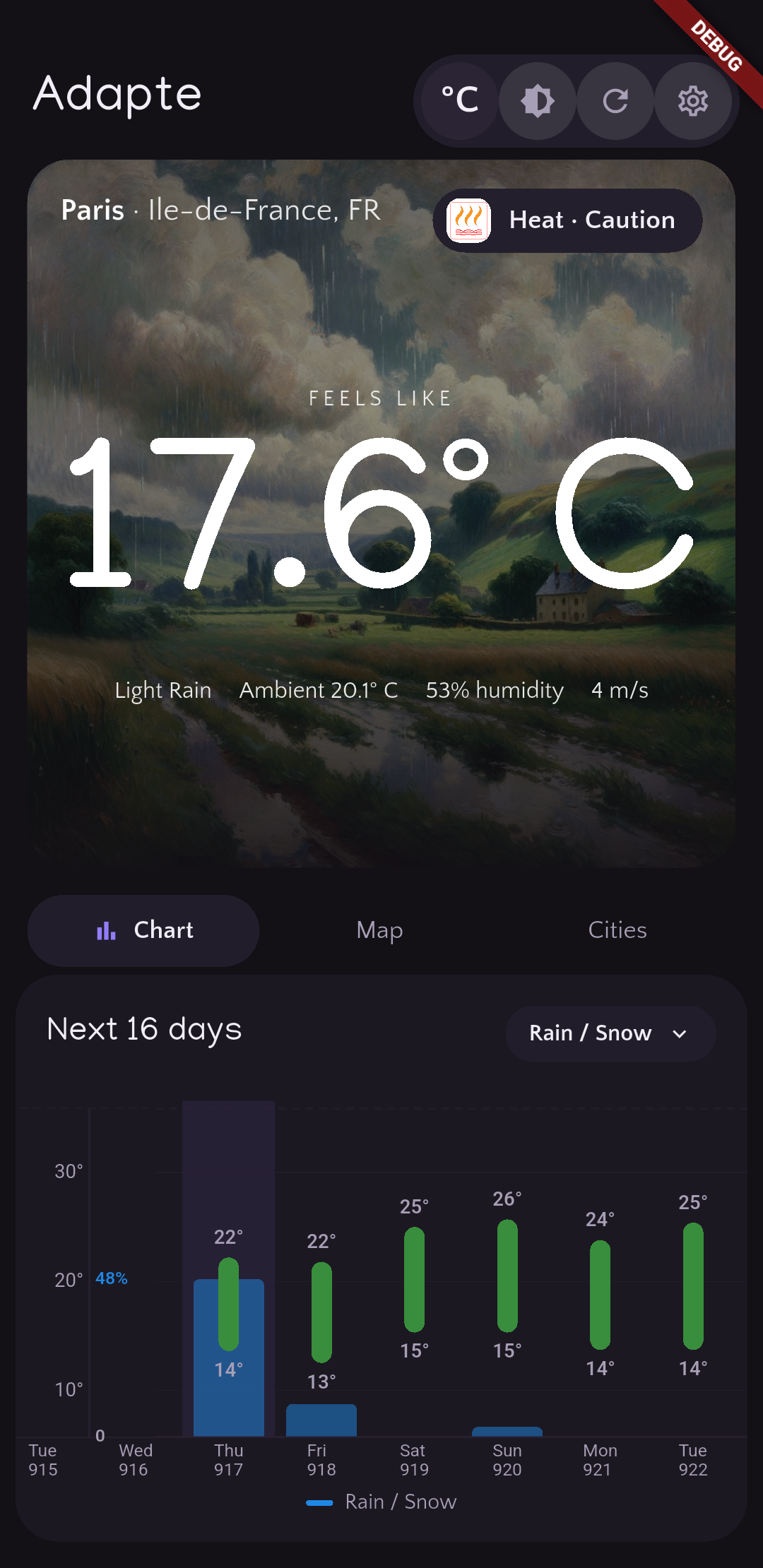
A few views from Adapte in both light and dark themes.
Contact
dev @ sparksstarlightsolutions . com
Change Log
Privacy & data use
Adapte follows the same privacy approach as the rest of the Sparks Starlight Solutions apps. Adapte does not intentionally collect personal data about you, and your preferences are stored locally on your device rather than on our servers.
Some features use third-party services such as app stores and map providers, which may process data under their own policies. For details, see the Privacy Policy.
Availability
Adapte is currently available for Android and iOS mobile devices. As a small, independent company, availability and features may change over time. We welcome bug reports and feedback using the in-app bug report feature or the email above.